
Feature
A college application tracker for every deadline and decision
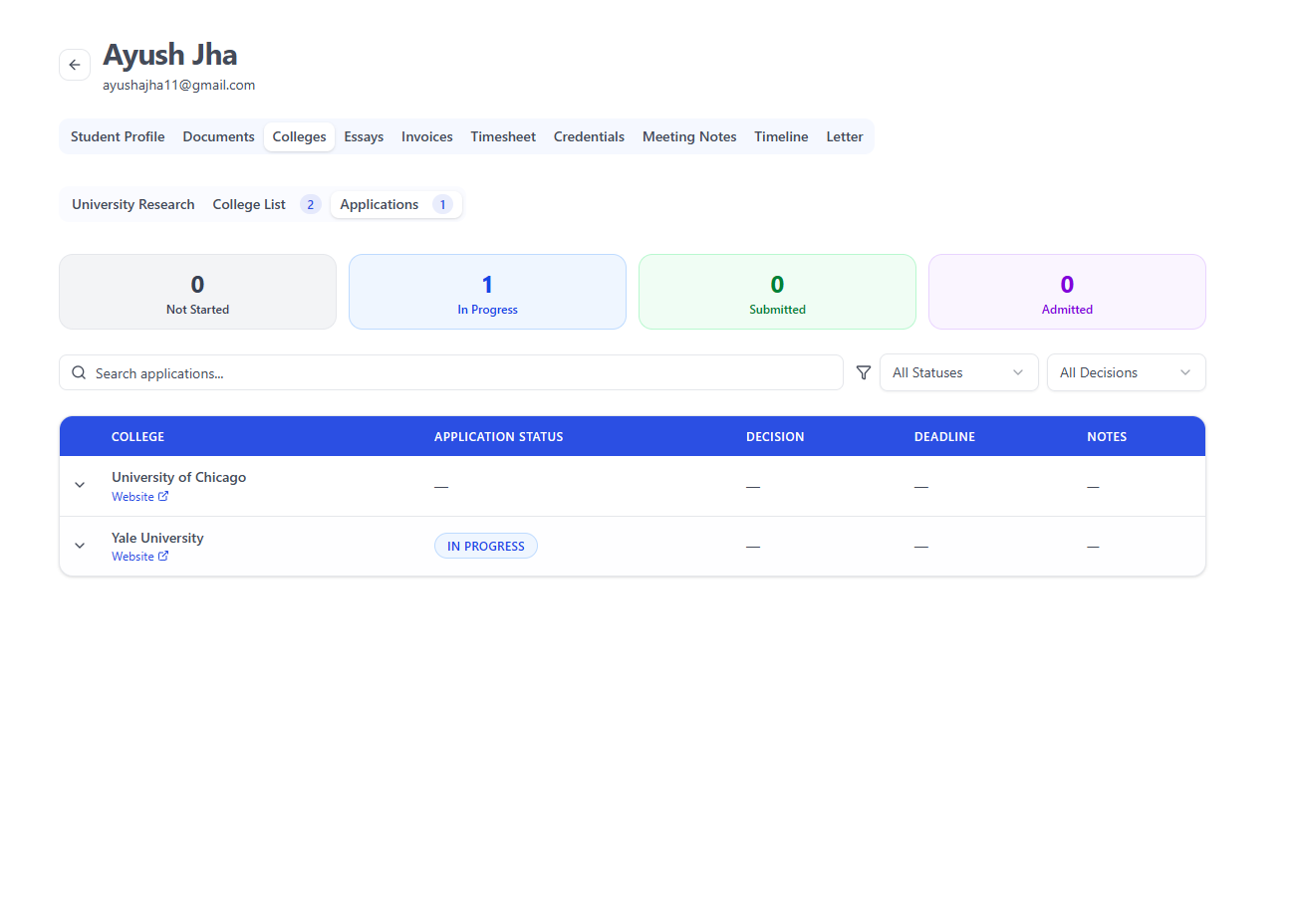
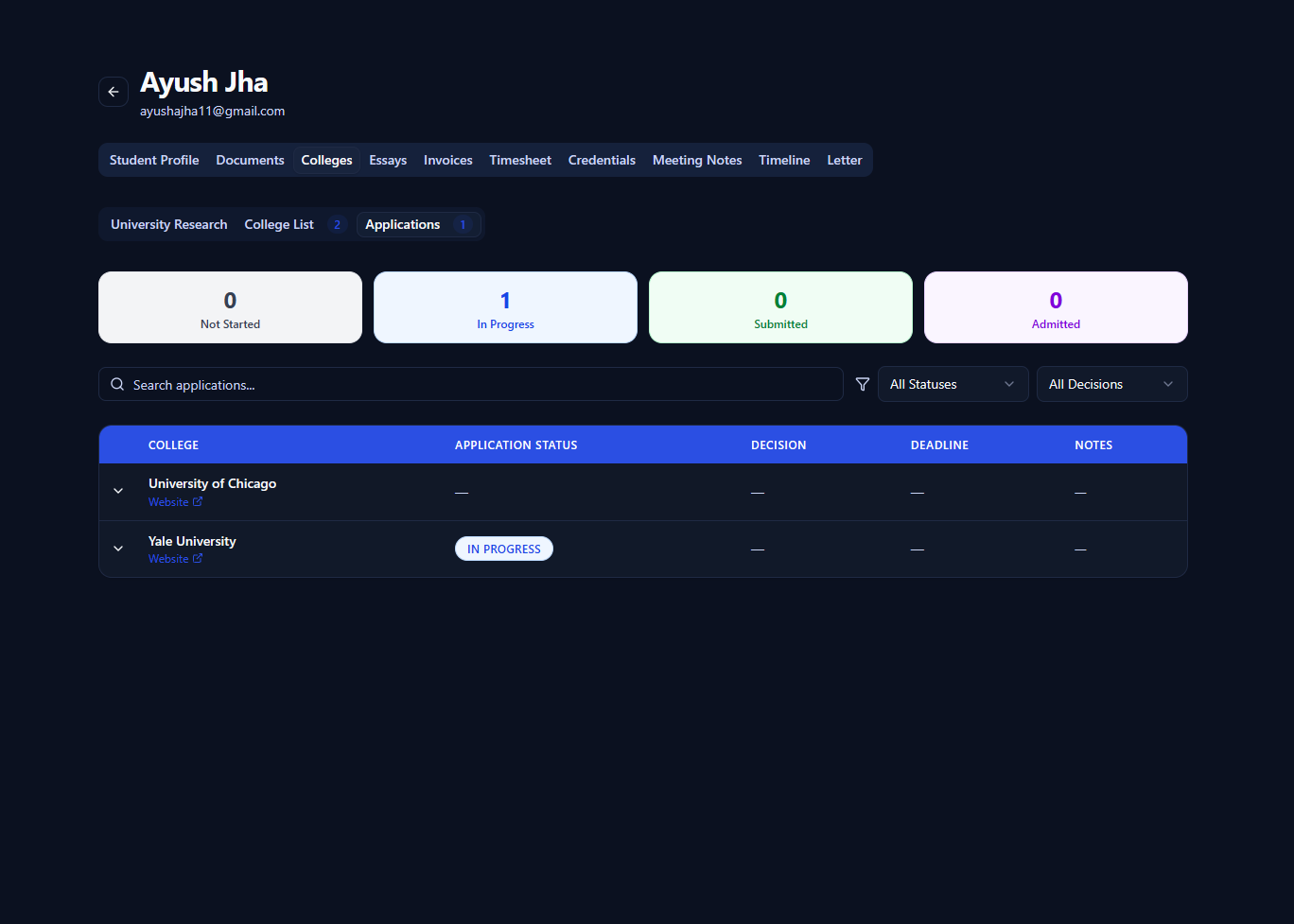
Pave's college application tracker keeps each student's applications in one table: application type, status, decision, deadline and notes. Tasks with deadlines and email reminders sit beside it, so nothing waits in a spreadsheet.
Free to try with full product access.
How the college application tracker works
Open a student, go to Colleges and choose Applications. Every college on the student's list can carry an application.
1. Add colleges to the list
Search the college catalog or run a Smart Shortlist. Each college the student will apply to gets a row in the Applications tab.
2. Set the type and deadline
Choose Regular Decision, Early Action, Early Decision, Early Decision II or Restrictive Early Action, and enter the deadline for this student.
3. Update the status
Move each application from Not started to In progress to Submitted. Notes keep anything the next counselor needs to know.
4. Record the decision
Mark each result as accepted, rejected or waitlisted. Your dashboard updates the counts and acceptance rate.
Find what needs attention
Search a student's applications and filter them by type, status or decision.
- Every early decision application in one view
- Applications that are still not started
- Waitlist decisions that need a follow-up plan
- Dashboard counts by status across all your students
Deadlines you can check
College pages in Pave show the published deadlines in the data, so you can confirm a date before you enter it.
- Early decision I and II, early action and regular decision for US colleges
- UCAS equal consideration and late application dates for UK universities
- Program application deadlines where the college lists them
- A "Deadlines listed" badge in college search
Tasks and reminders for each deadline
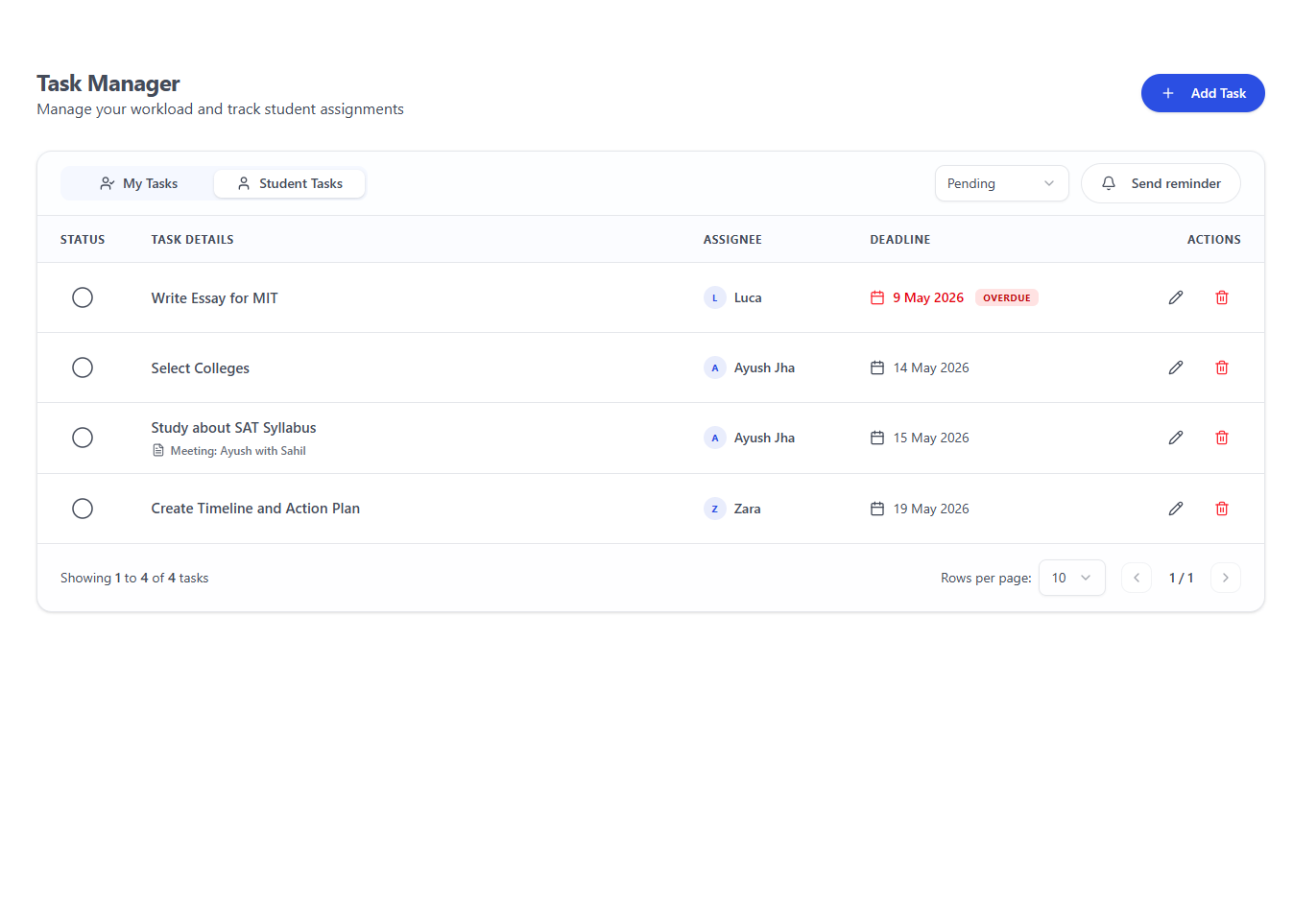
An application is many small jobs: an essay draft, a recommendation request, a test score to send. Add each one as a task with a deadline.
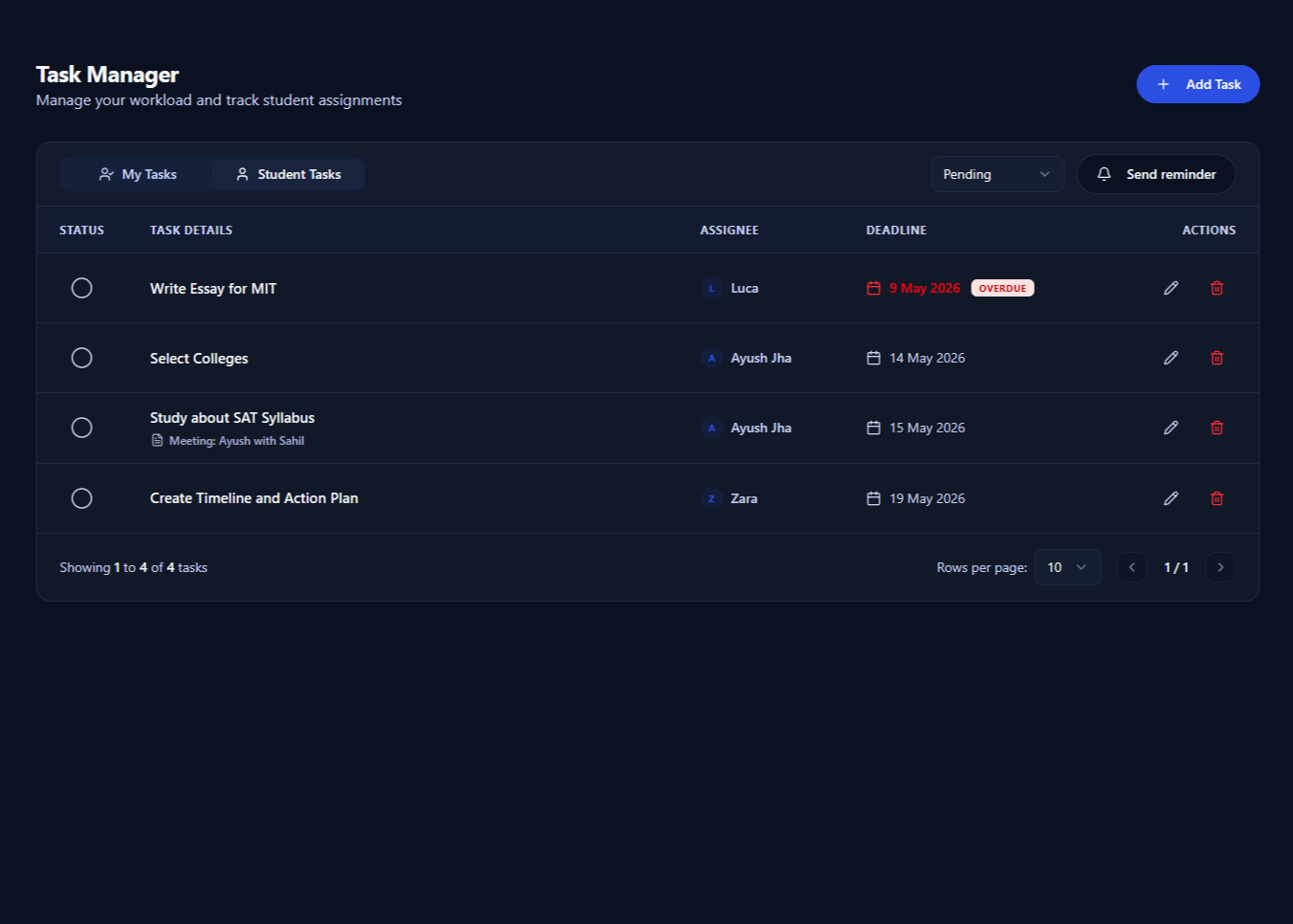
Assign tasks to the student or to yourself. The Task Manager shows your tasks and student tasks, and flags anything overdue. Your own tasks also appear on your Pave calendar.
Send an email reminder with a student's open tasks, and include the parent when it helps. A timeline for each grade through Grade 12 sets the months to aim for.
Part of the same student workspace
The tracker uses the same college list you build with the college list builder. Essays for each college stay in the student's workspace, with AI essay feedback on drafts.
Still tracking applications in a spreadsheet? Read how counseling software compares with spreadsheets, or see our guide to applying early.
Questions about the college application tracker
Which application types can I track?
Regular Decision, Early Action, Early Decision, Early Decision II and Restrictive or Single-Choice Early Action. You can also leave the type blank, for example for a UCAS or direct application.
Does Pave fill in each college's deadline for me?
Not automatically. College pages in Pave list published deadlines where the data has them, such as early decision, early action, regular decision and UCAS dates. You enter the deadline that applies to each student's application.
Can students see their applications?
Yes. Students see their college list and the status of each application when they log in to their own Pave account.
How do reminders work?
From the Task Manager, choose a student and the open tasks to include, then send an email reminder. You can add the parent saved on the student's profile and copy other people in.
Can I see applications across all my students?
Yes. The dashboard counts applications that are not started, in progress and submitted across your students, with accepted decisions and your acceptance rate.
Track a real student's applications
Start a free trial and set up your first student's applications today, or book a 30-minute demo with our team.