
For independent educational consultants
Independent educational consultant software for your whole practice
Pave is independent educational consultant software for counselors who work on their own or in a small practice. Enquiries, students, essays, family updates and invoices sit in one workspace, so admin takes less of your week.
Free to try with full product access.
Run the practice, not only the caseload
An independent counselor is also the sales team, the office manager and the billing department. Pave covers that work next to the counseling.
Enquiries become students
Keep each family's enquiry as a lead with notes and tasks. Schedule the first meeting, review it, and mark the lead as enrolled when they sign up.
Letters from templates
Draft a welcome letter, a recommendation request or a disengagement letter from a template, with the student's and parent's names filled in.
Meeting notes without typing
The free Meeting Recorder extension for Google Meet, Zoom and Microsoft Teams turns a call into a note with a summary and follow-up tasks.
Room to grow
Start on your own. When you take on another counselor, invite them into the same workspace with their own role.
Every student's plan in one place
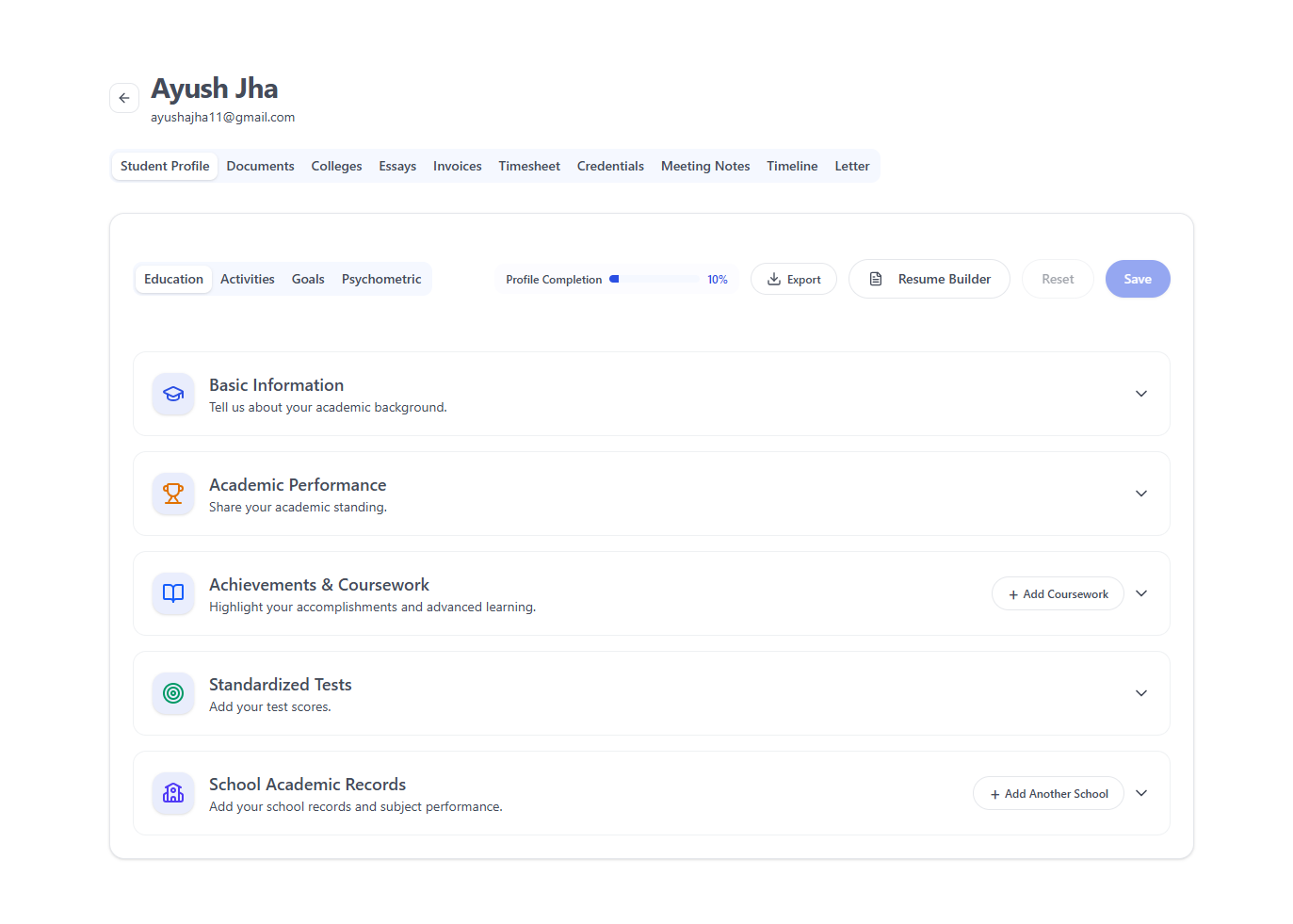
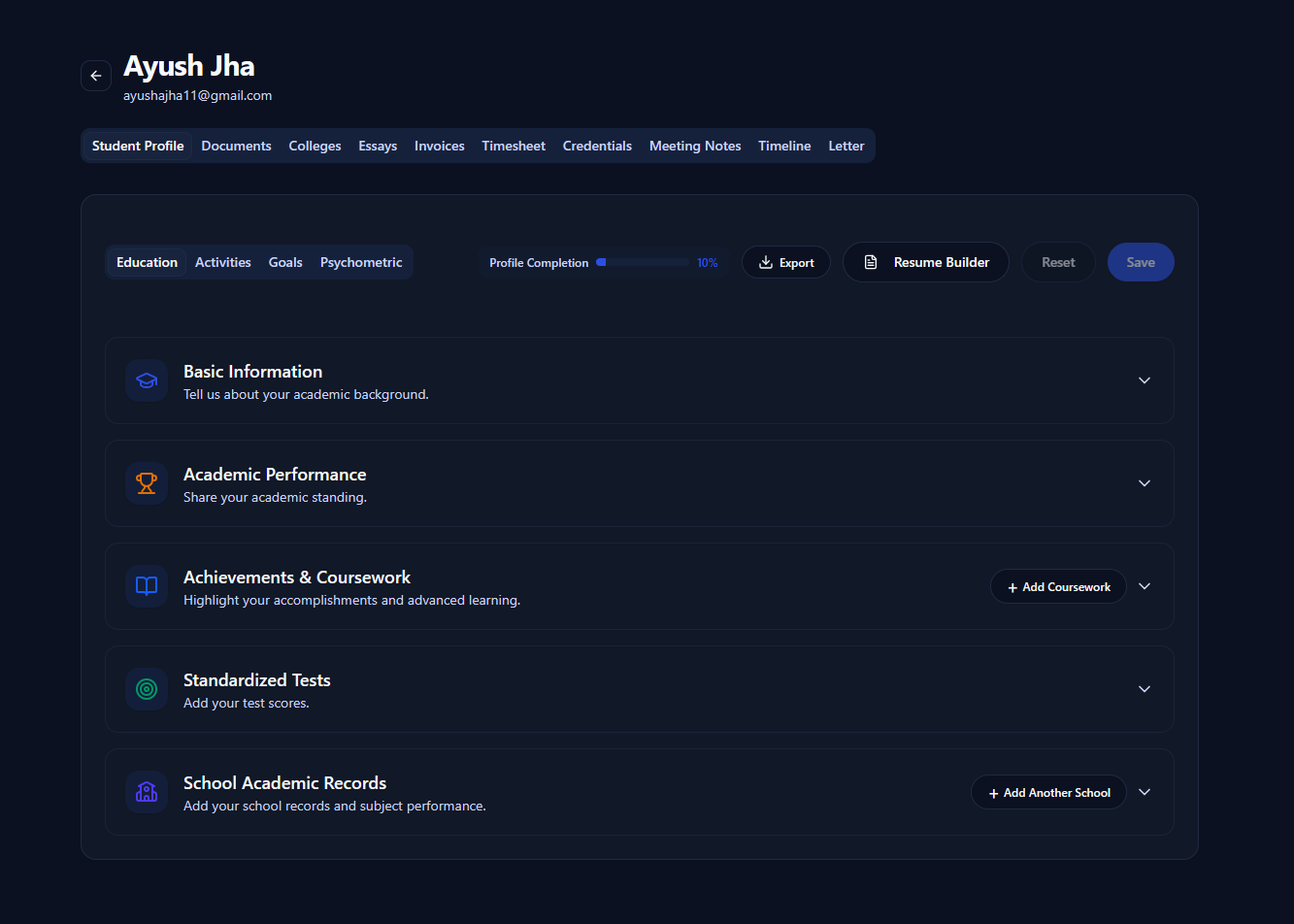
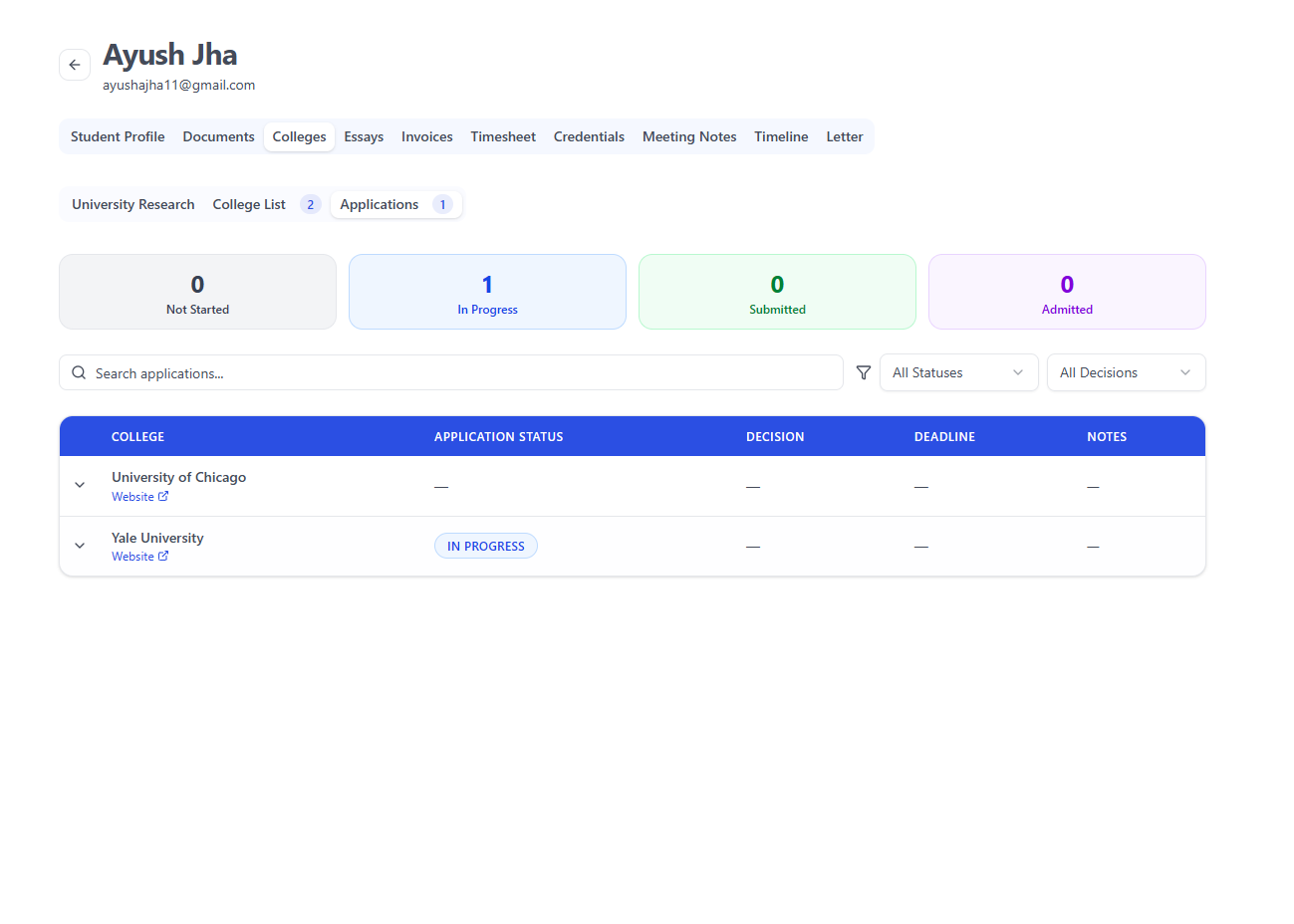
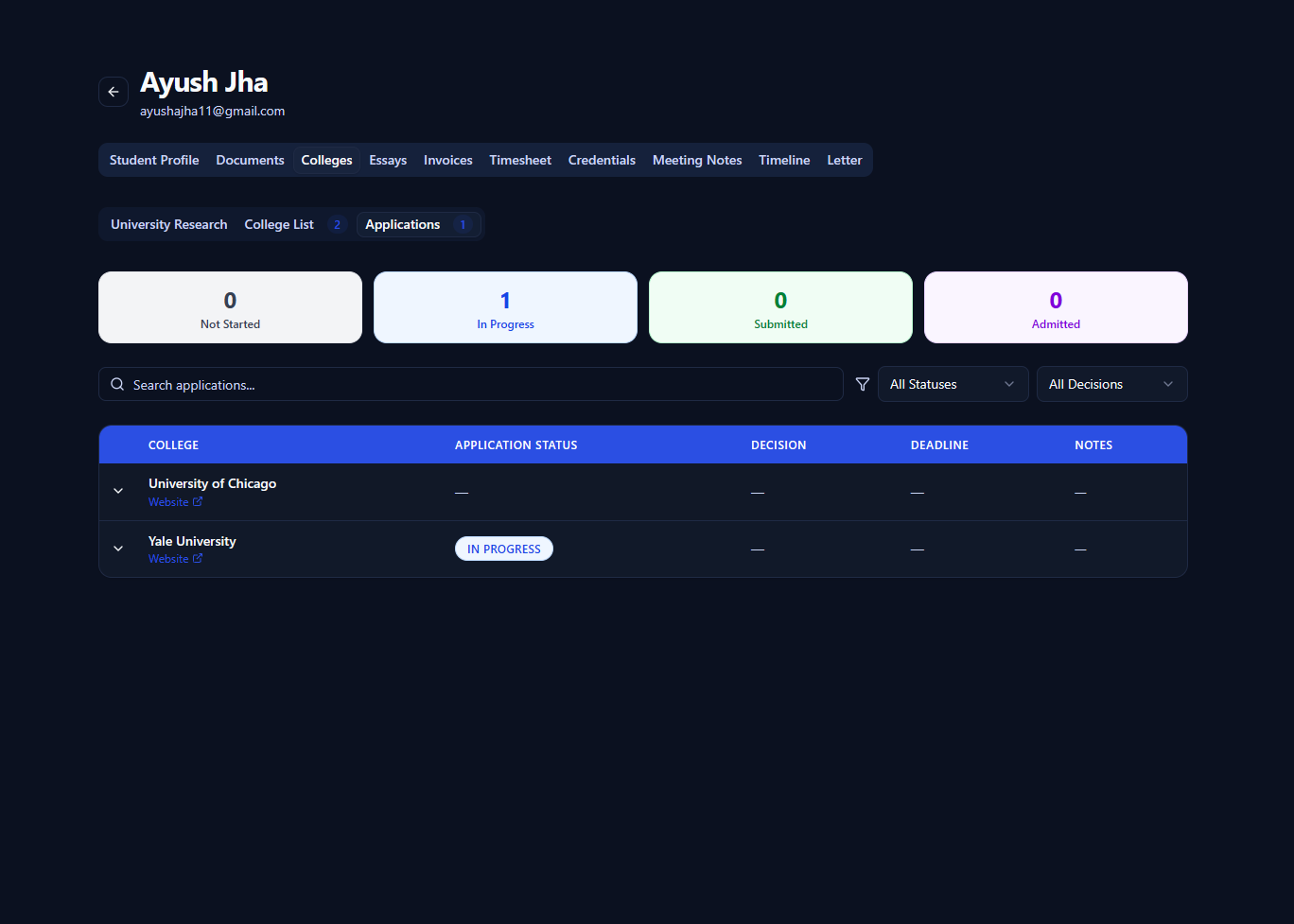
Each student has a profile, a college list, applications, essays and a timeline. You can see the next deadline without opening a spreadsheet.
- AI drafts a shortlist from the student's profile; you decide what stays
- Status, decision and deadline for every application
- Essays for Common App, UCAS and school prompts, with comments and AI feedback
- An activities and honors resume exported to PDF or Word
See the full list on the college counseling software page.
Keep families informed without long email threads
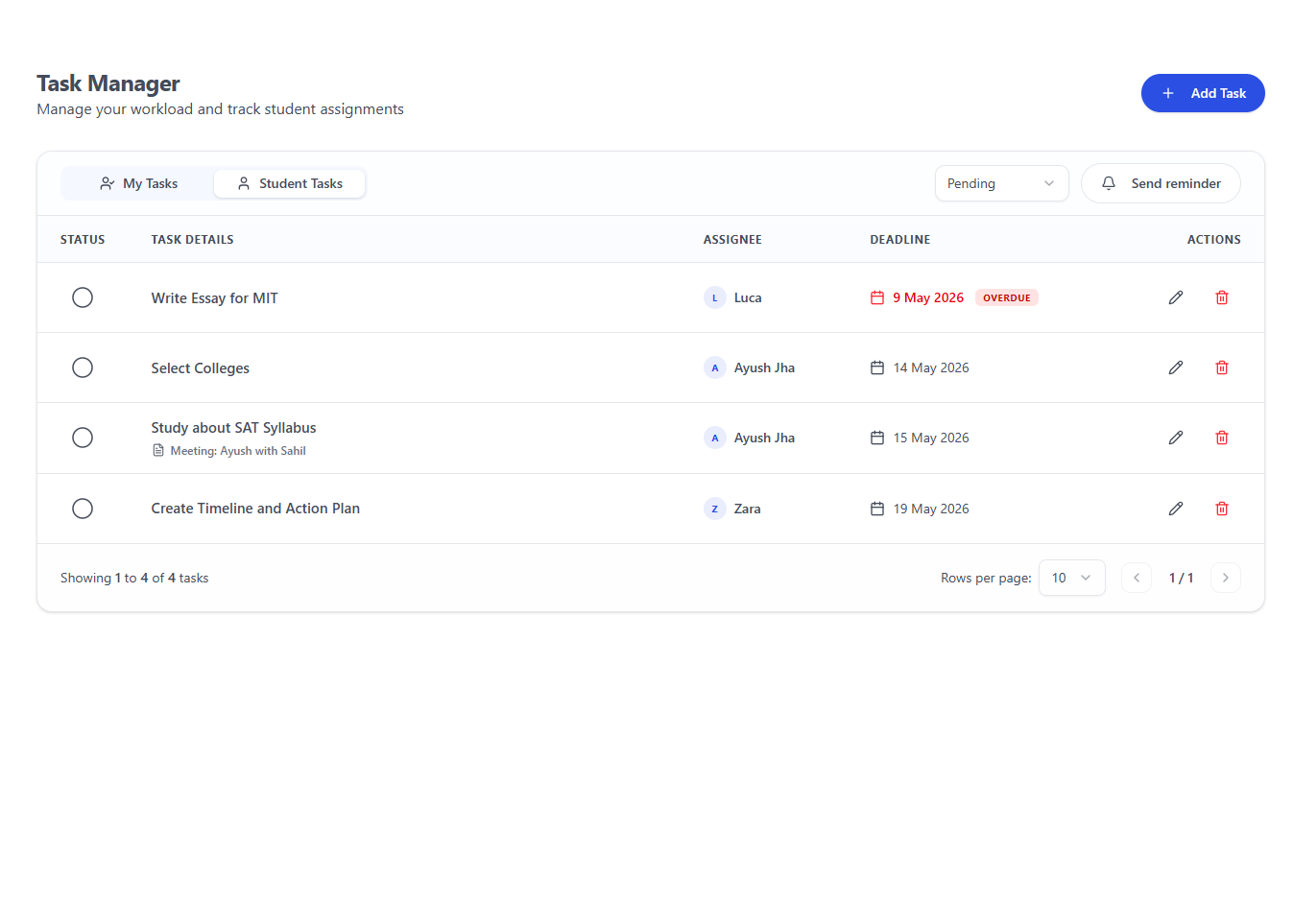
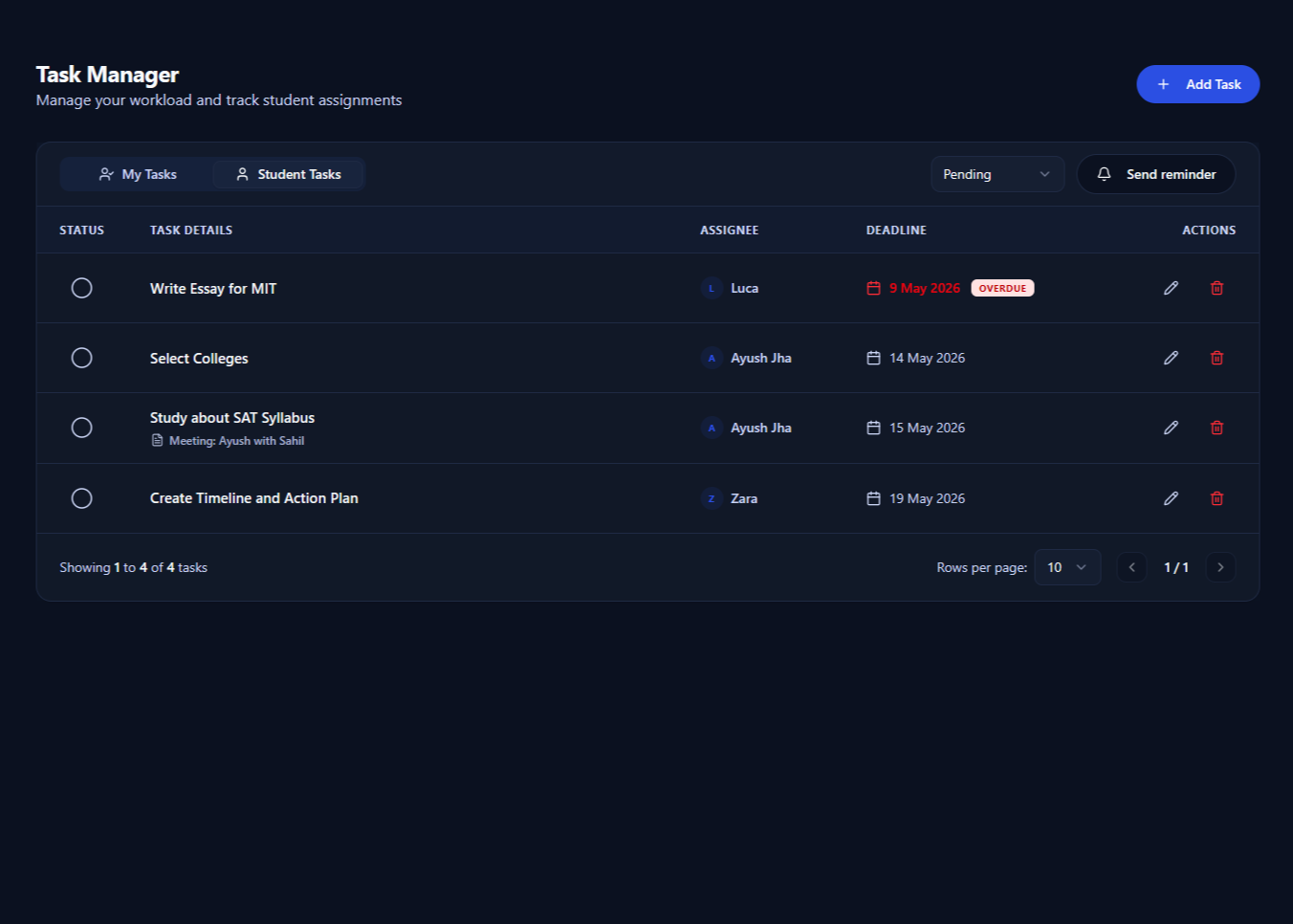
Parents want to know what is done and what is next. Pave gives you short, regular ways to tell them.
- Share a written progress report with the student, or download it as a PDF for parents
- Email task reminders to a student and copy the parent when it helps
- Students log in to see their own tasks and essays
Bill for your time from the same place
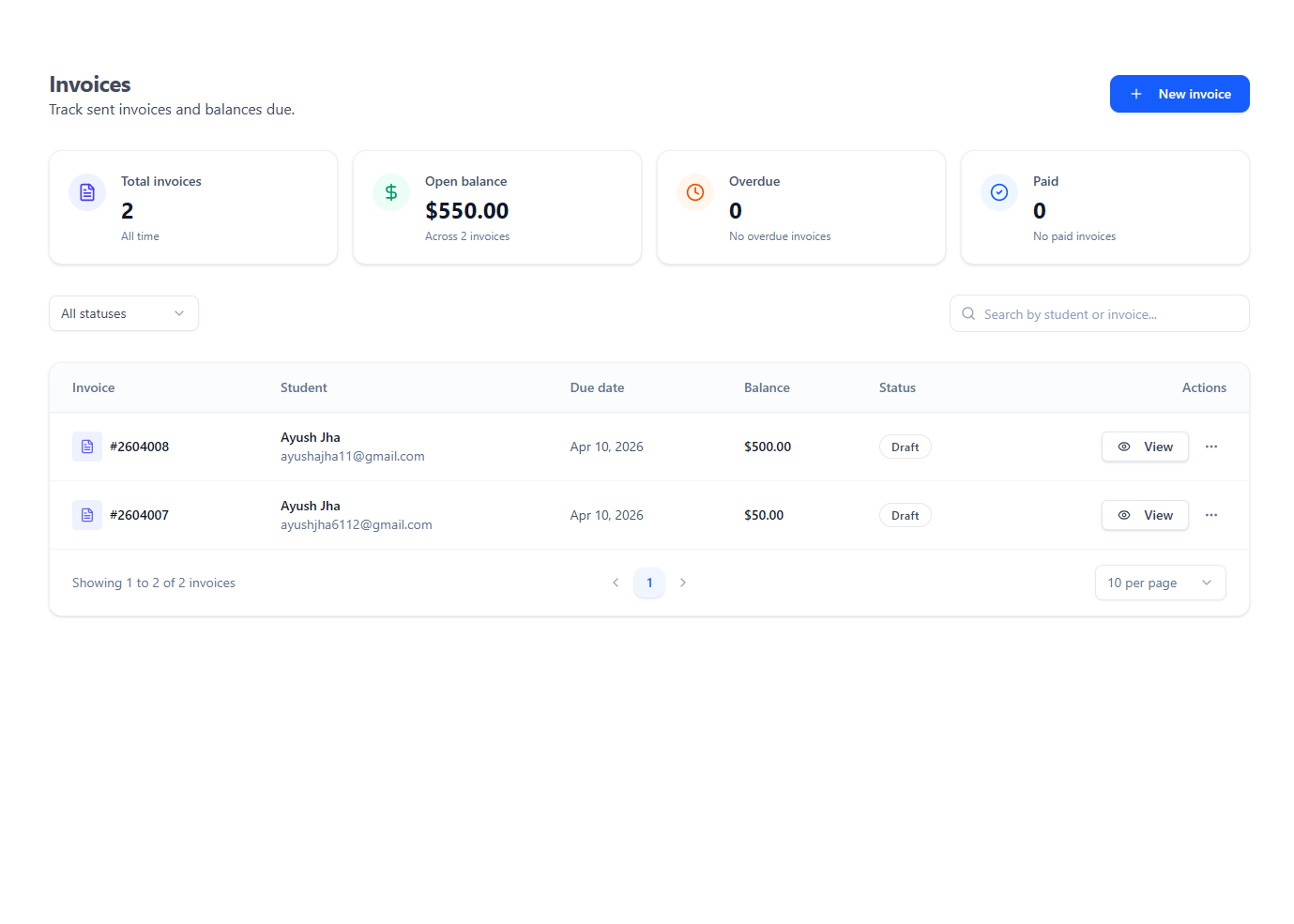
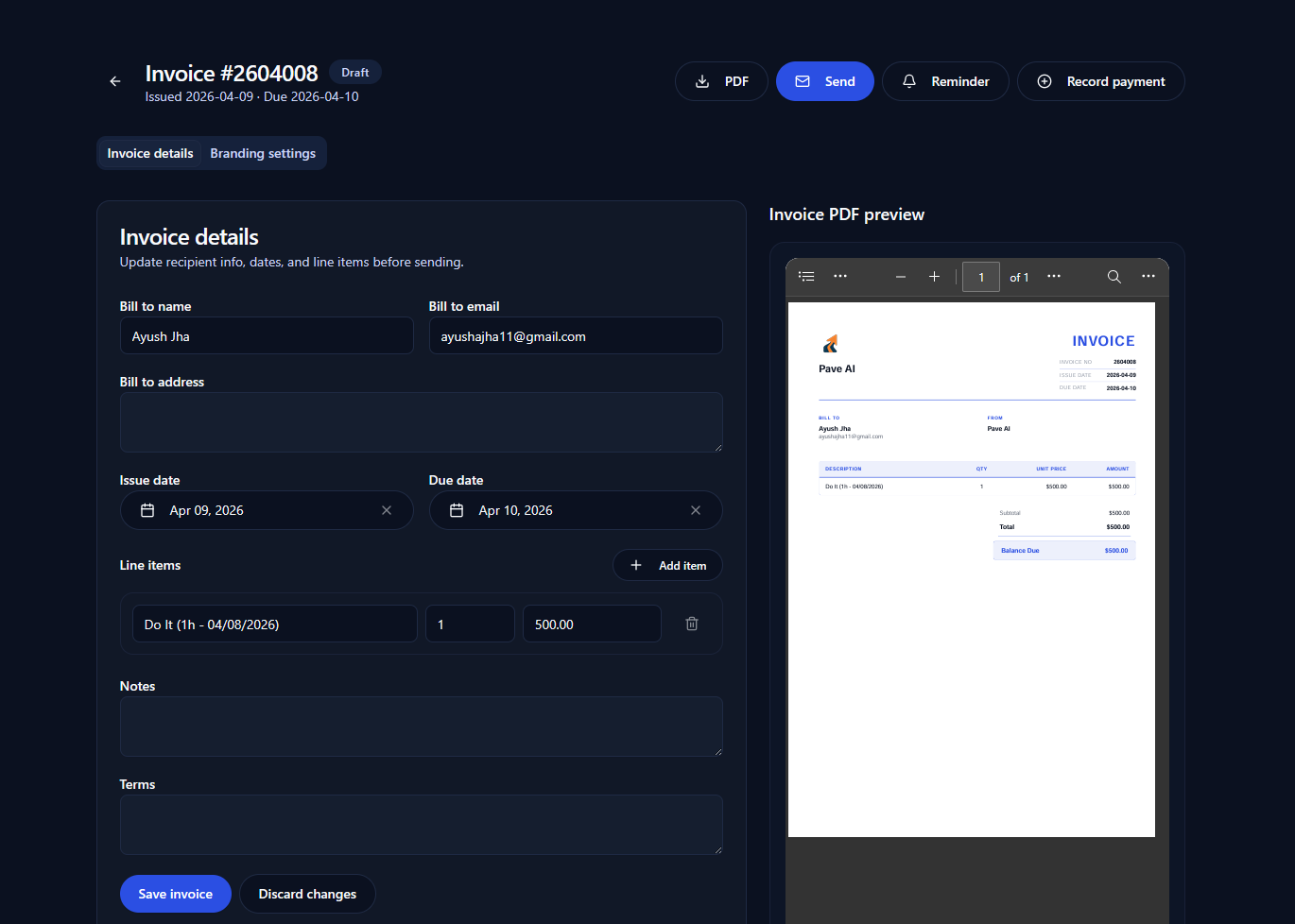
Log time against each student as you work. When it is time to bill, turn those entries into an invoice.
- A timesheet for every student
- Invoices created from logged time, in the currency you choose
- Email the invoice to the family with the parent copied, or share its link
What to look for in independent educational consultant software
Whichever tool you choose, these are the questions worth asking before you move your students into it.
- Is it built around college lists, essays and deadlines, or around a sales pipeline?
- Can students see their own tasks, so you are not the only reminder?
- Does billing use the time you already log, or is it a second system?
- Can you import your current student list from a spreadsheet?
- Does it charge per student, so your costs rise with every new family?
- Does the company say how it handles student data and offer a data processing agreement?
Pave has one plan with every feature and no per-student fees; see the pricing page. Student data is handled under GDPR principles, with a Data Processing Agreement available.
Questions from independent counselors
What is independent educational consultant software?
It is a workspace for running an independent counseling practice. It holds your work with each student, such as college lists, essays and deadlines. It also holds the business side: enquiries, letters and invoices.
Can I use Pave as a one-person practice?
Yes. A solo counselor and a firm use the same product, with every feature included. When you hire, you invite counselors into the same workspace.
Can families see how their student is doing?
Students log in to see their own tasks and essays. Progress reports go to the student or download as a PDF, and you can copy a parent on task reminders and invoices.
How do I move my students out of spreadsheets?
Import students from a CSV or XLSX file with a header row; name and email are required. On annual plans, our team also migrates your existing records and trains you.
How is Pave priced?
One plan includes every feature, with no per-student fees and no setup fees. Current prices are on the pricing page, and you can start with a free trial.
Try Pave with your own students
Start a free trial and import your student list today, or book a 30-minute demo with our team.