
For counseling firms
An education consultant CRM built for counseling firms
Pave is an education consultant CRM and counseling workspace for firms with several counselors. Enquiries, students, essays, deadlines and invoices sit in one place, and you decide who sees what.
Free to try with full product access.
One workspace for the whole team
A firm needs shared records and clear limits. Pave gives every counselor the same tools and gives owners control over access.
Roles
Every member is an owner, an admin or a member. The owner can hand over ownership when the firm changes hands.
Page access
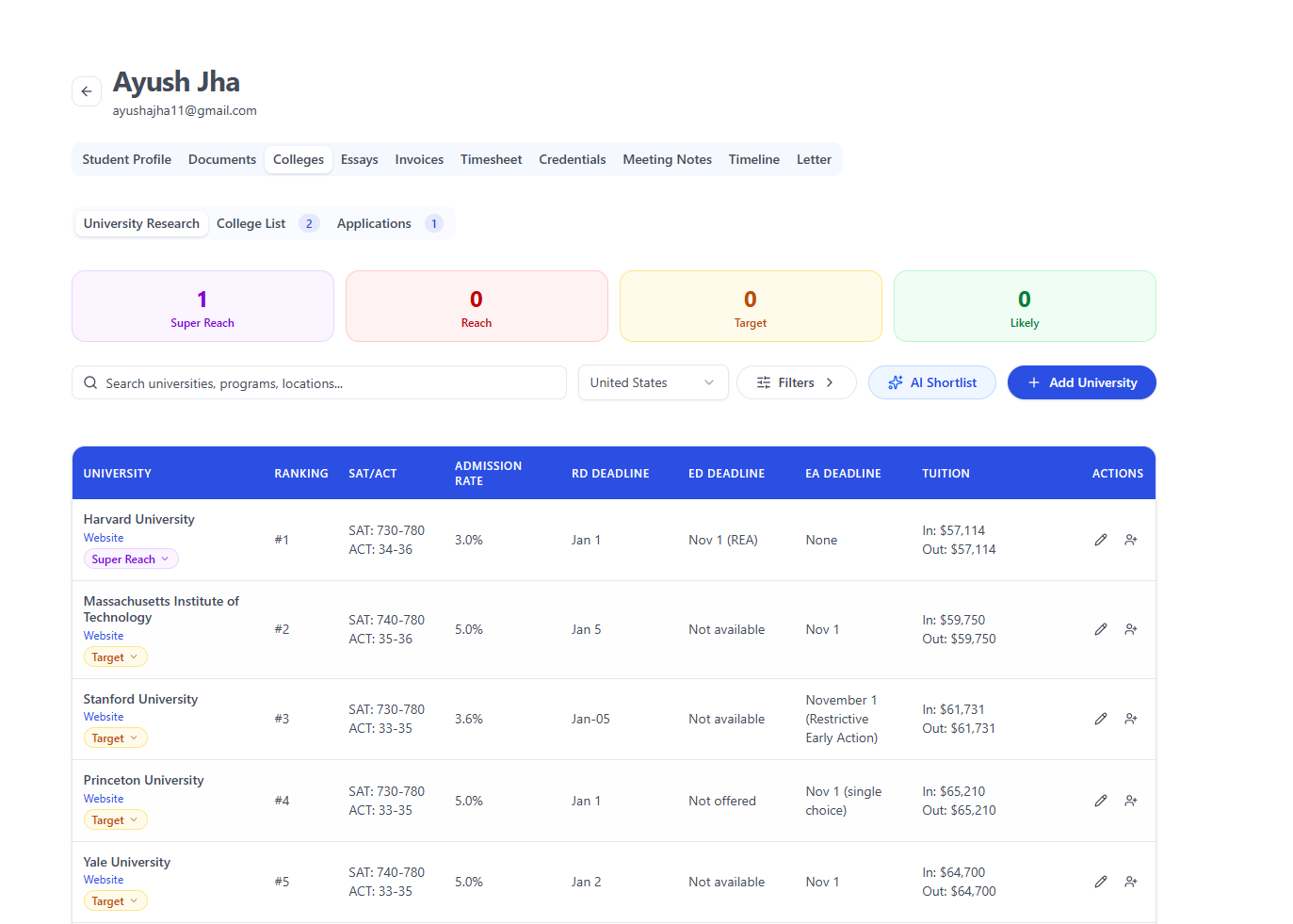
Choose the pages each member can open: leads, students, tasks, colleges, calendar, files, invoices and settings.
Assigned students
Assign students to each counselor. Owners and admins see every student, while members work on the students assigned to them.
More than one workspace
A counselor who works with more than one firm can belong to several workspaces and switch between them.
An owner for every enquiry
Enquiries from families become leads with notes, tasks and a stage. Owners and admins assign each lead to a counselor.
- Schedule the first meeting from the lead and review it afterwards
- Move the lead to enrolled when the family signs up
- Draft welcome letters and recommendation requests from templates
The same process for every counselor
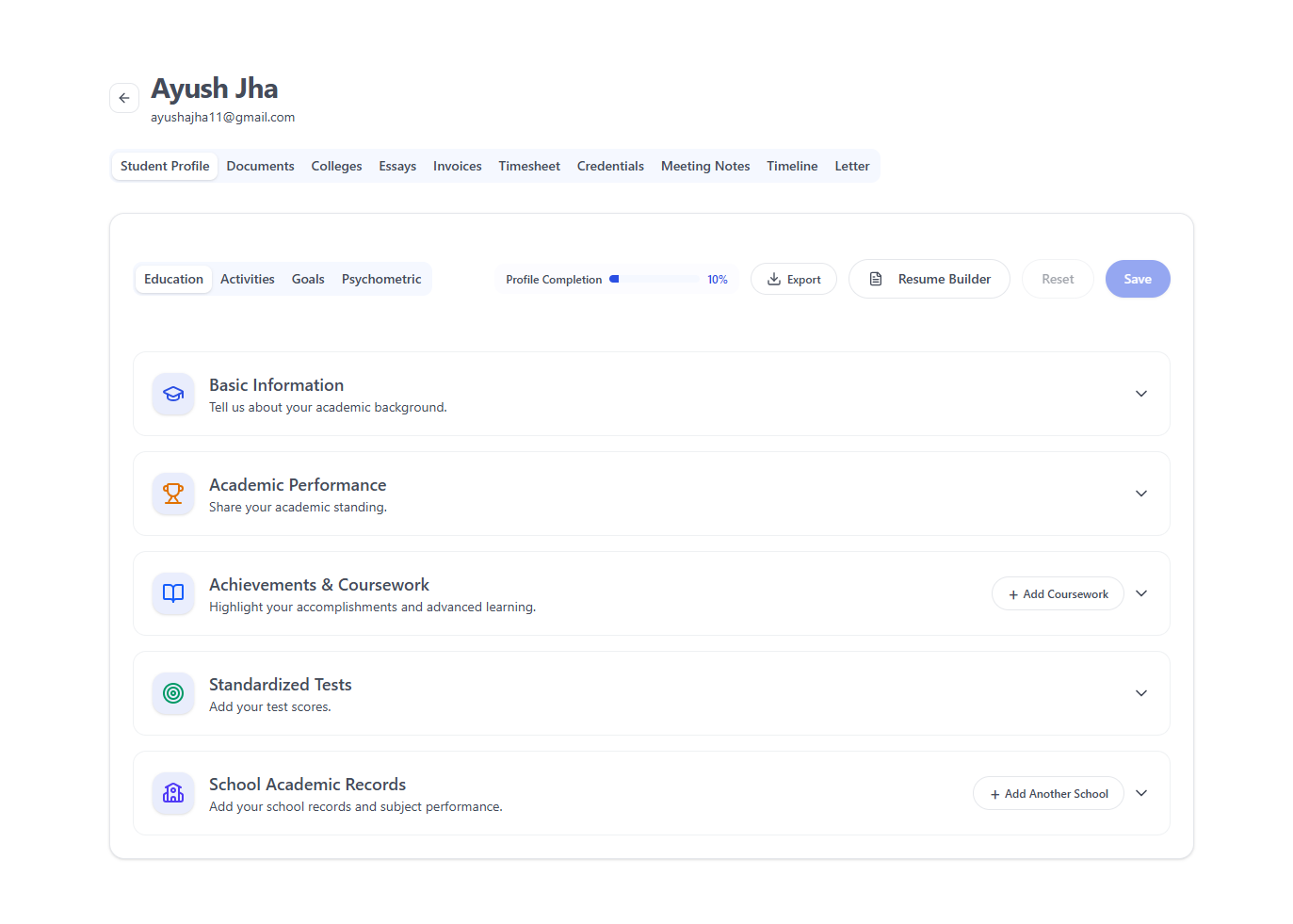
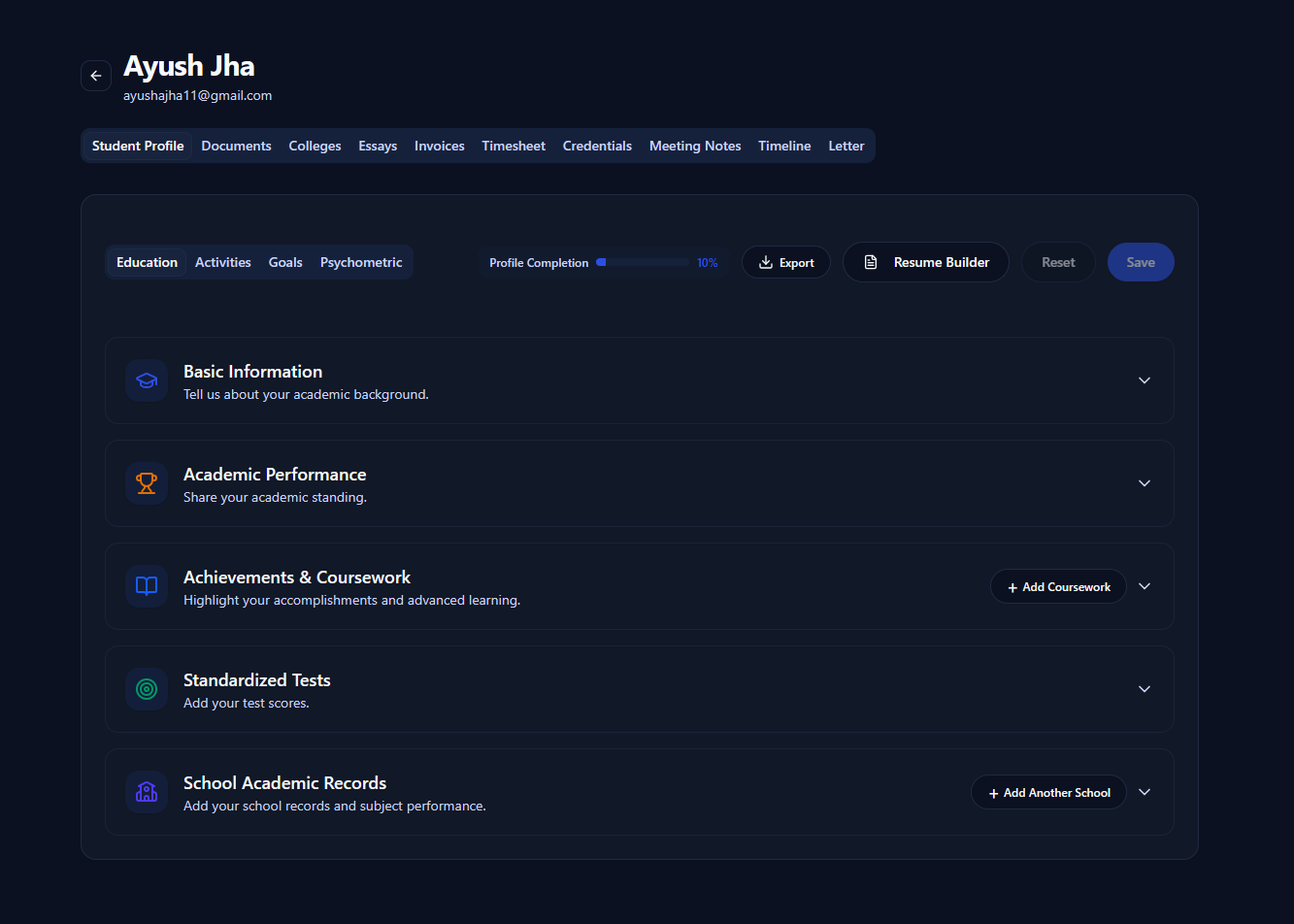
Every student has the same workspace, whoever counsels them. A new counselor can pick up a student without a long handover.
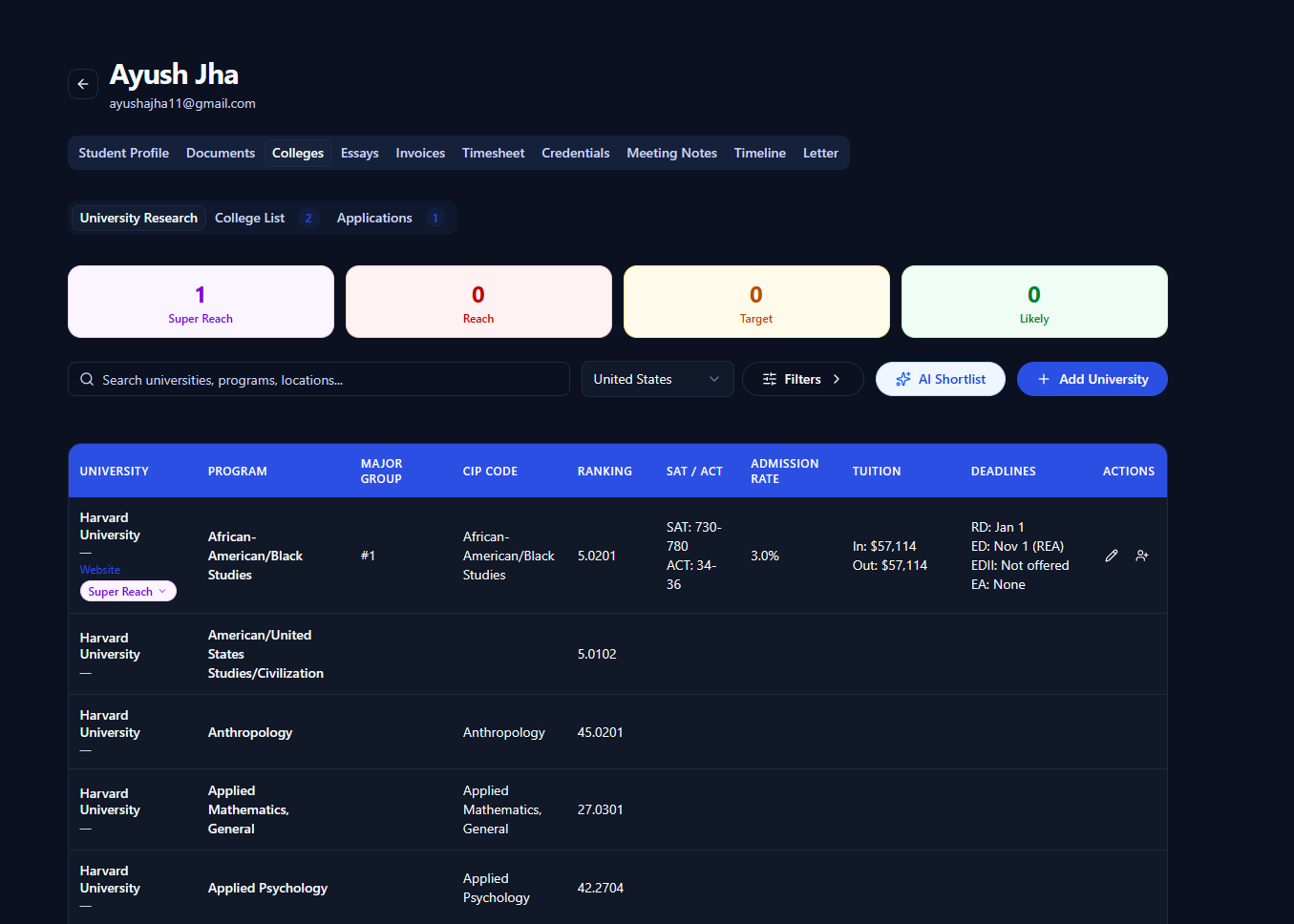
- Profile, college list, applications, essays and a timeline for each student
- AI drafts a shortlist and gives essay feedback; the counselor decides
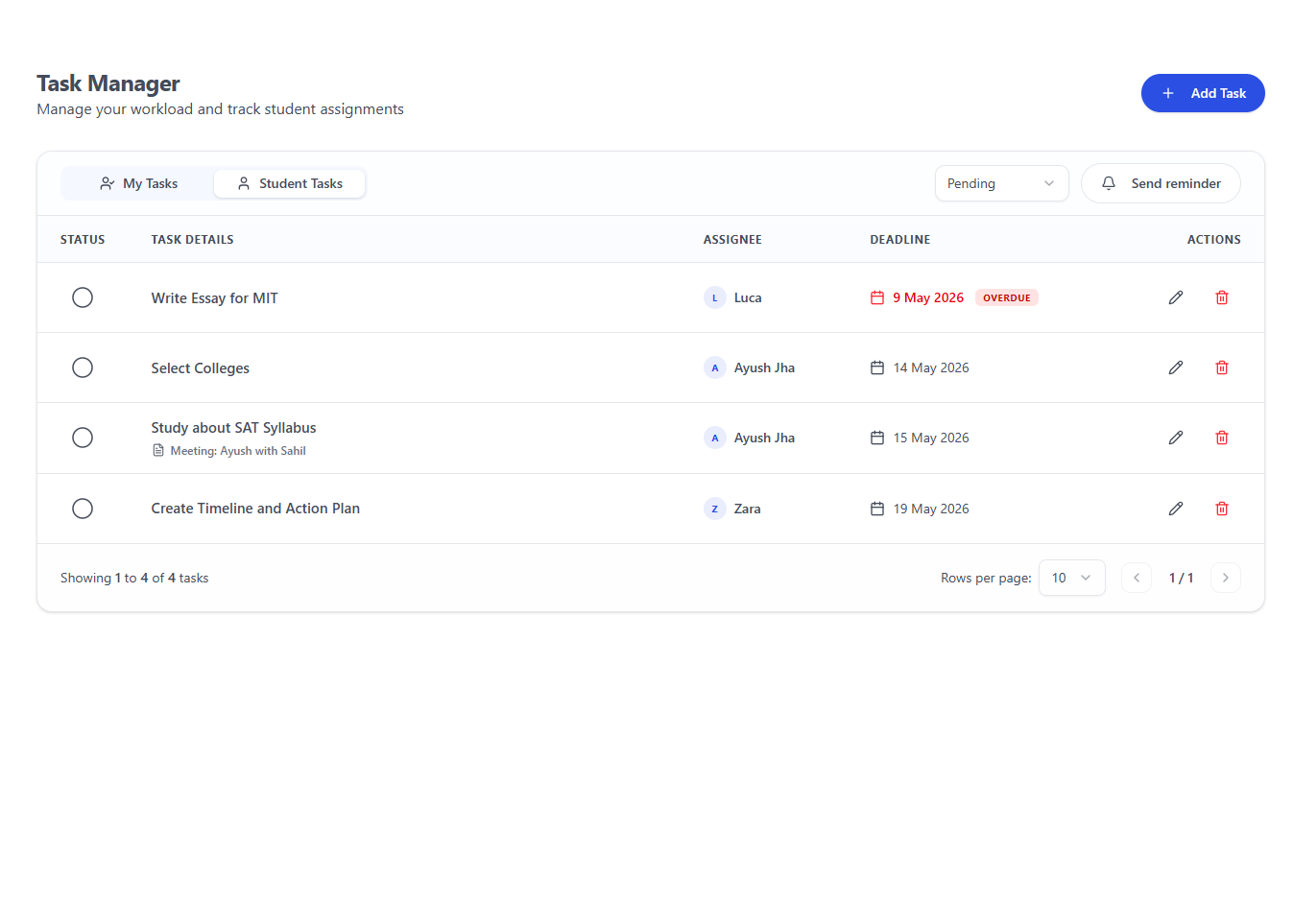
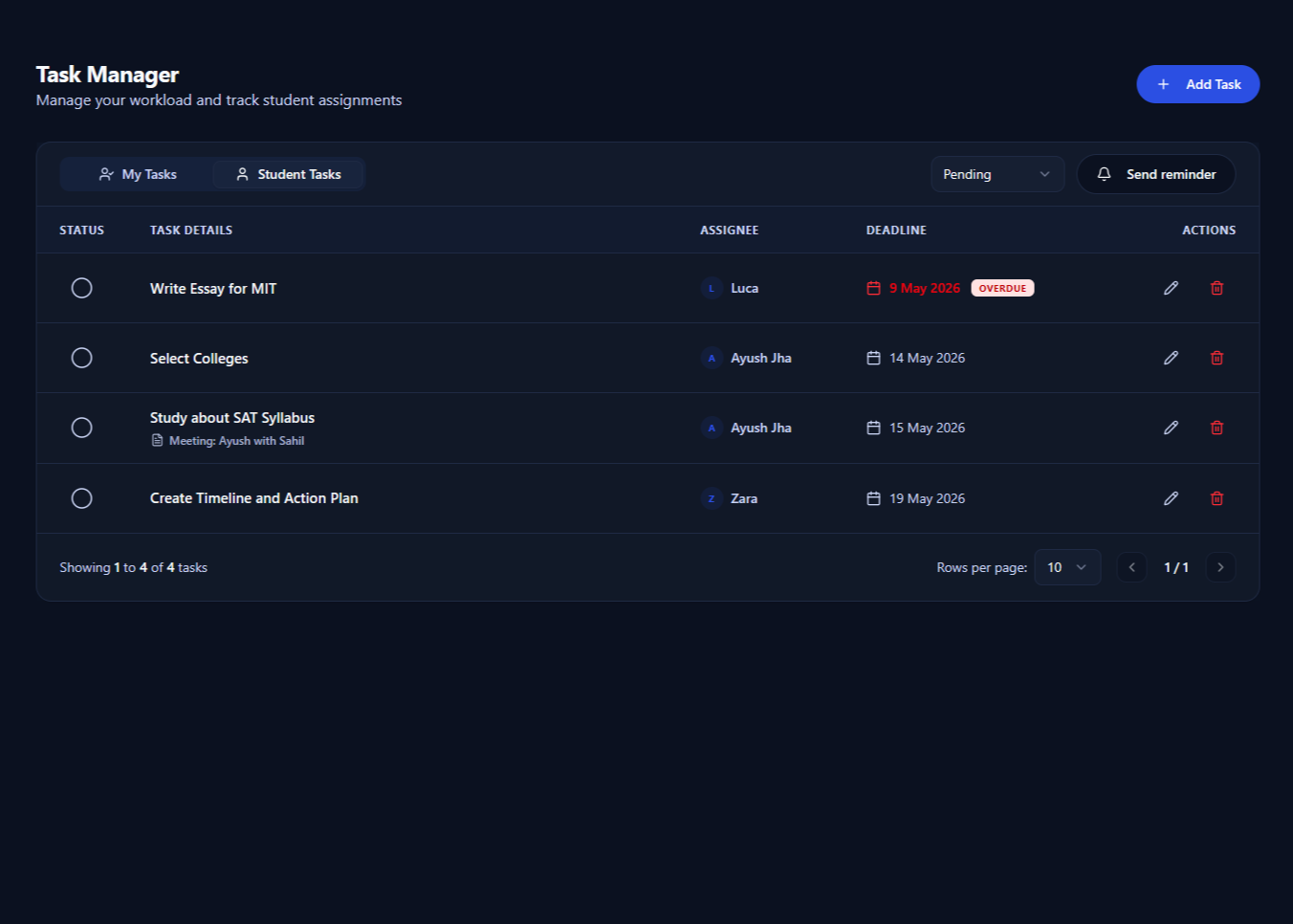
- Tasks with assignees, deadlines and overdue flags
- Meeting notes and follow-up tasks from the free Meeting Recorder
See every feature on the college counseling software page.
See where the firm stands
The student directory counts active, placed and inactive students. The task manager shows what is overdue, and each student can have written progress reports.
Billing stays with the work: counselors log time against each student, and invoices are created from that time.
What to ask of an education consultant CRM
Before you move a team, check how the tool handles people, permissions and the admissions cycle.
- Can you set roles and limit which pages each person opens?
- Can you assign students and enquiries to counselors?
- Does it know what a college list, an essay draft and a deadline are?
- Is billing tied to the time counselors log?
- Can you import your current records from a spreadsheet?
- Does the company explain how it protects student data and offer a data processing agreement?
Pave handles student data under GDPR principles and offers a Data Processing Agreement. Compare it with other tools on the comparison pages.
Questions from counseling firms
What is an education consultant CRM?
It is software that holds a consulting firm's families and students in one place. A good one covers enquiries and also the counseling work after a family signs up.
How is Pave different from a sales CRM?
A sales CRM tracks deals until they close. Pave tracks enquiries too, then each student's college list, essays, applications and deadlines after they enroll.
Can I control what each counselor sees?
Yes. Each member has a role: owner, admin or member. You choose which pages a member can open, and which students are assigned to them.
How is Pave priced for a team?
One plan includes every feature, with no per-student fees. For a team, talk to Pave's sales team or book a demo, and we will set up the right plan.
Can we bring our existing records?
Yes. Import students from a CSV or XLSX file with a header row; name and email are required. On annual plans, our team migrates your records and trains your counselors.
See Pave with your team
Start a free trial with full product access, or book a 30-minute demo to plan your team's move.